SAEDORAK
← Back
draftwriter Run+ · Mac · iPad · iPhone

To finish the first draft…
on iPad too!

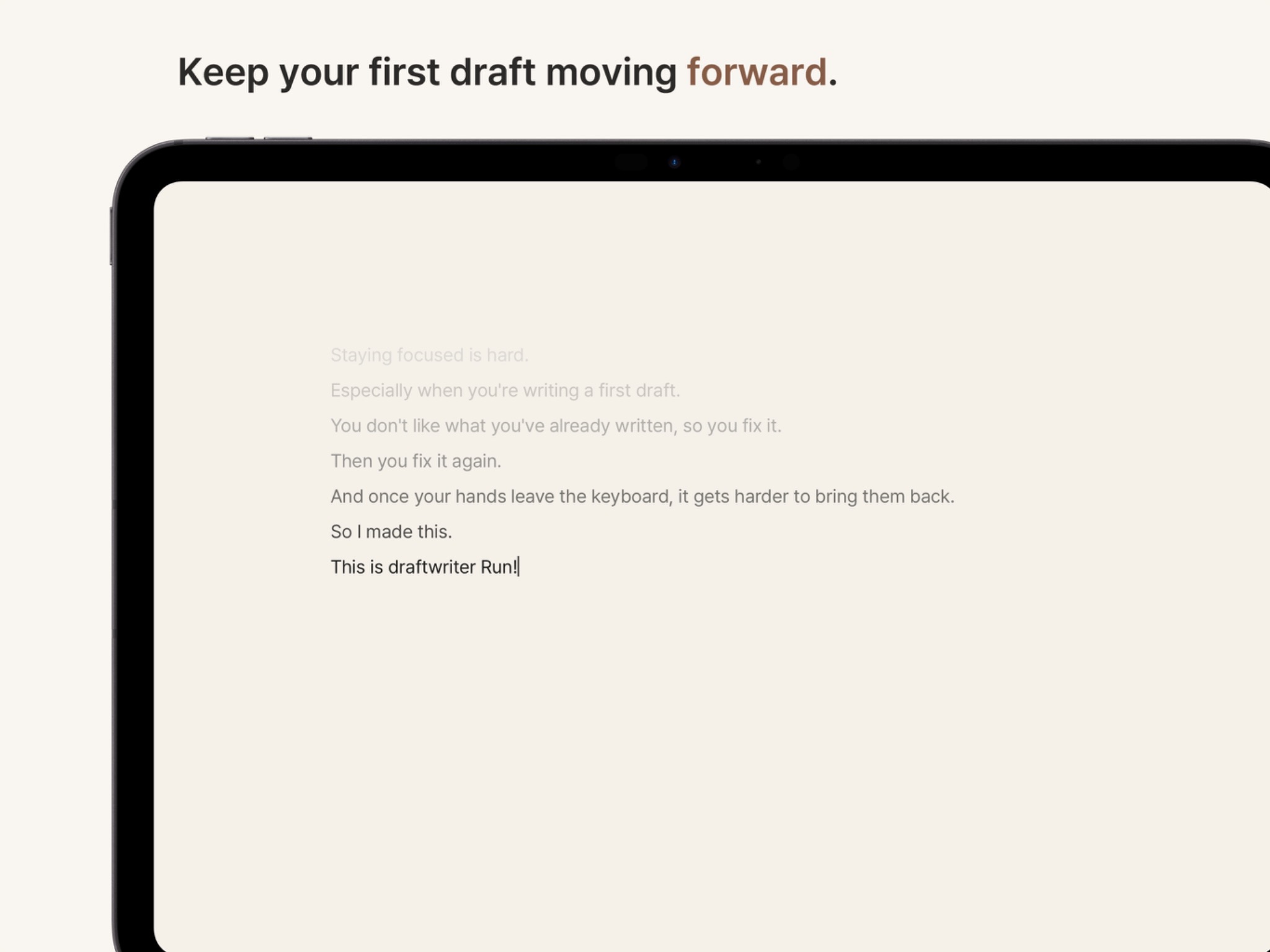
A small drafting app for paying less attention to what you've already written,
and more to the sentence that comes next.

draftwriter Run+ iPad writing screen
WHY IPAD

Yes. On iPad too!

But an iPad can do far too many things, right? Browse the web, watch videos, jump into another app in seconds.

And in a writing app, you touch the screen. Then somehow your finger wanders somewhere else!

So I tried to keep touch to a minimum and, instead of adding more features, cut back on a few things you can do.

That's much closer to what Run+ is.
NORMAL MODE

First, you have to write!

Run+ doesn't do much. No Markdown. No proofreading.

Moving the cursor around the body text or selecting text by touch is restricted too. So while you're writing, your hands stay on the keyboard.

In Normal Mode, the arrow keys and ordinary keyboard navigation still work.

Dragging doesn't—and yes, that's a pretty basic thing to leave out. But if you just want to write normally, this mode should do.

draftwriter Run+ iPad Normal Mode screen
RUN! MODE

Run! Mode.

It's here too.

Run! Mode, I mean.

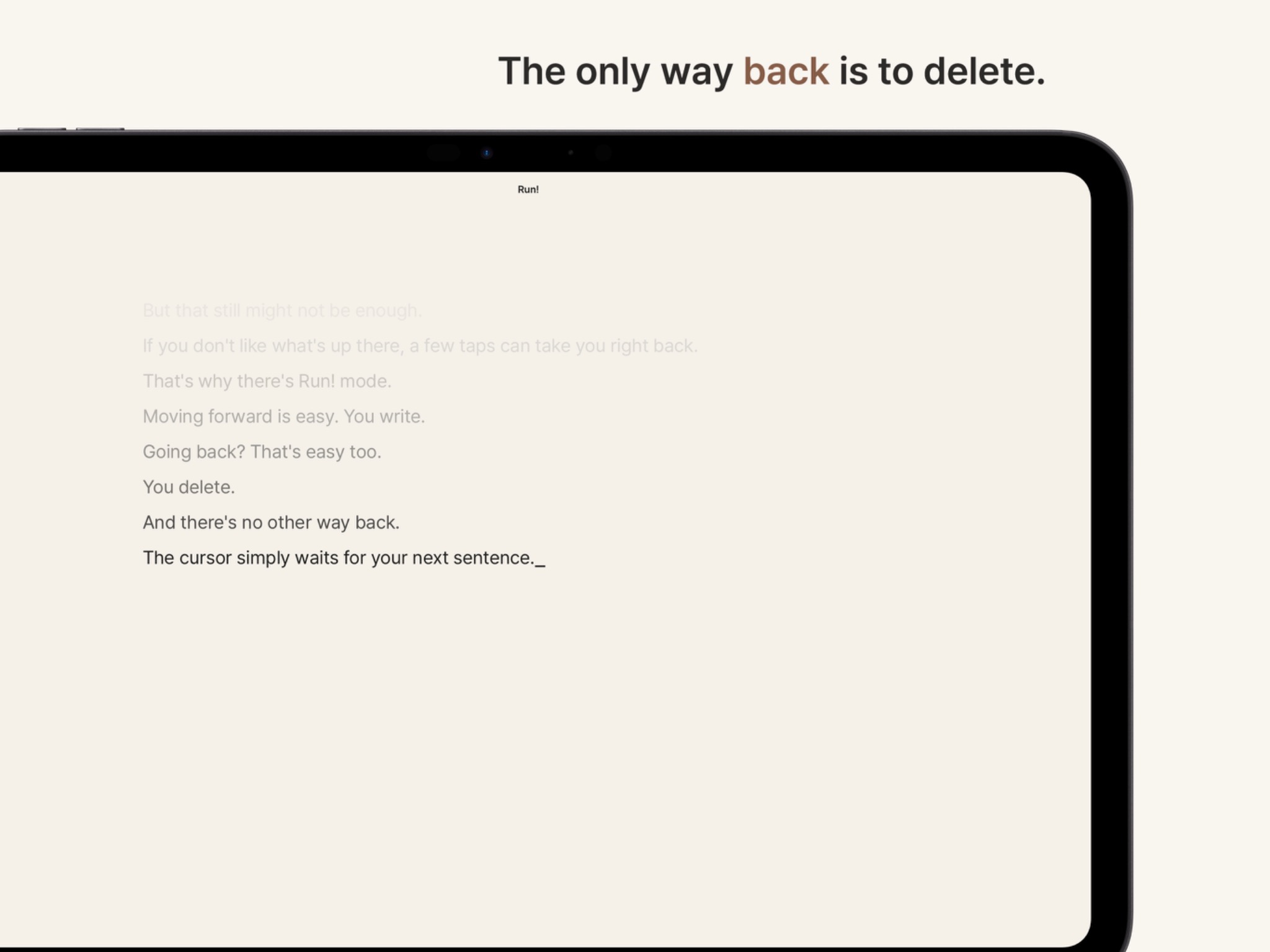
In Run! Mode, the arrow keys can't take you back.Going forward is easy. You just write.

Want to go back? You delete.

The cursor looks different too. It sits under the text and waits for the next sentence.

Of course, Run! Mode is something you turn on yourself. If you want to write normally, that's what Normal Mode is for.

draftwriter Run+ iPad Run! Mode screen
KEYBOARD FIRST

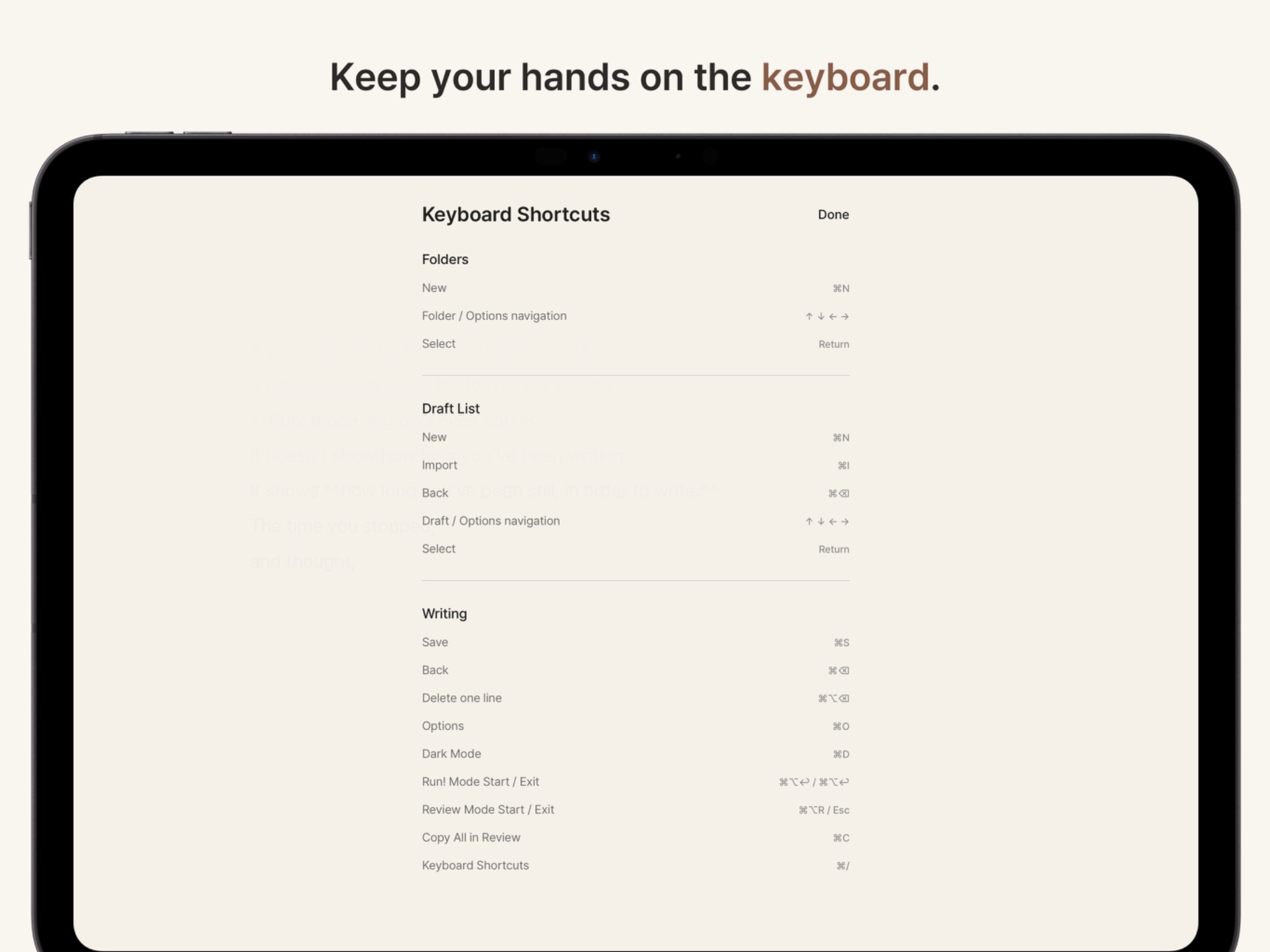
Keep your handson thekeyboard.

Run+ on iPad is built around an external keyboard.

You can still use touch, but most things are designed to be done from the keyboard.

Mostly so you don't have to keep covering the screen while you're trying to write.

draftwriter Run+ iPad keyboard shortcuts screen
LOOK OVER

Look it over.

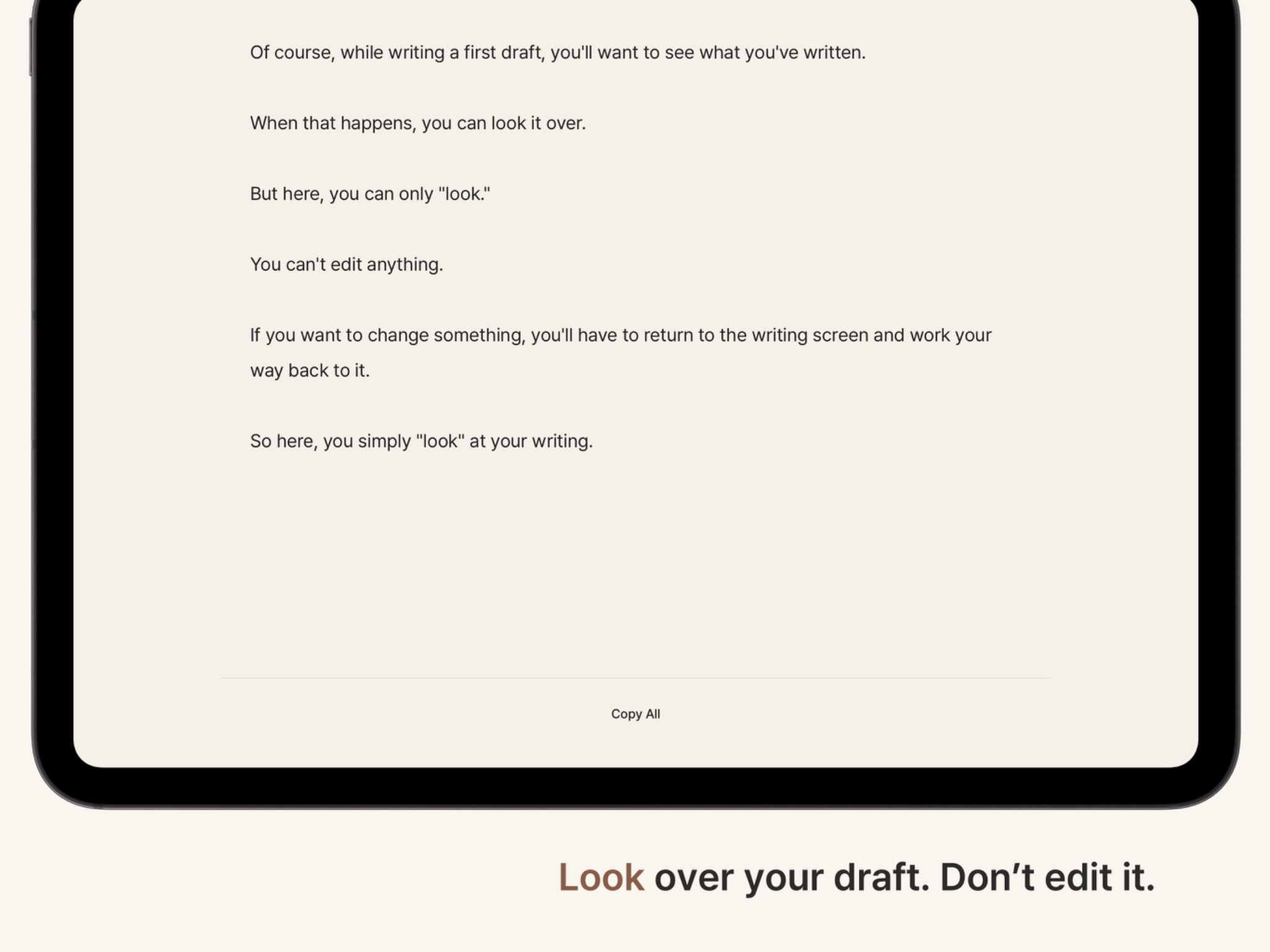
At some point, you'll want to read what you've written.

But here, you can only look. No editing. No selecting.

You can copy the whole thing, though. Then you can polish it somewhere else.

Of course, you can export it too. What happens after the first draft is different for everyone, right?

draftwriter Run+ iPad read-only review screen
LIBRARY · ICLOUD

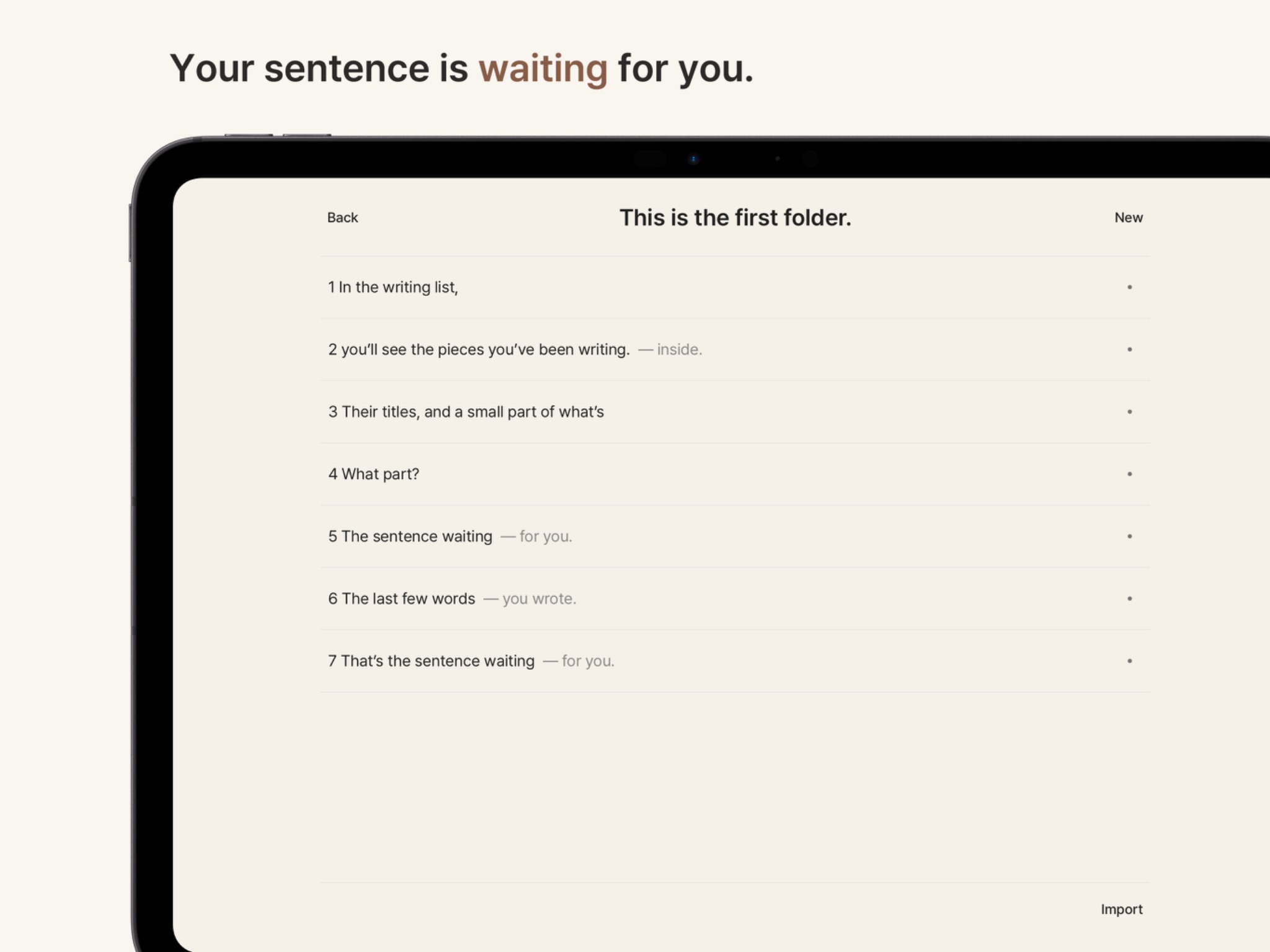
Your sentence is waiting for you.

Run+ saves your writing as TXT.

Right there on your iPad.

If you want to use iCloud… save it there.

You can save it in other folders too.

And next to each title, you'll see a few words.

The last few words you wrote.

The words waiting for you.

draftwriter Run+ iPad library screen
STOPPED TIME

Even the time you stopped
was time you needed.

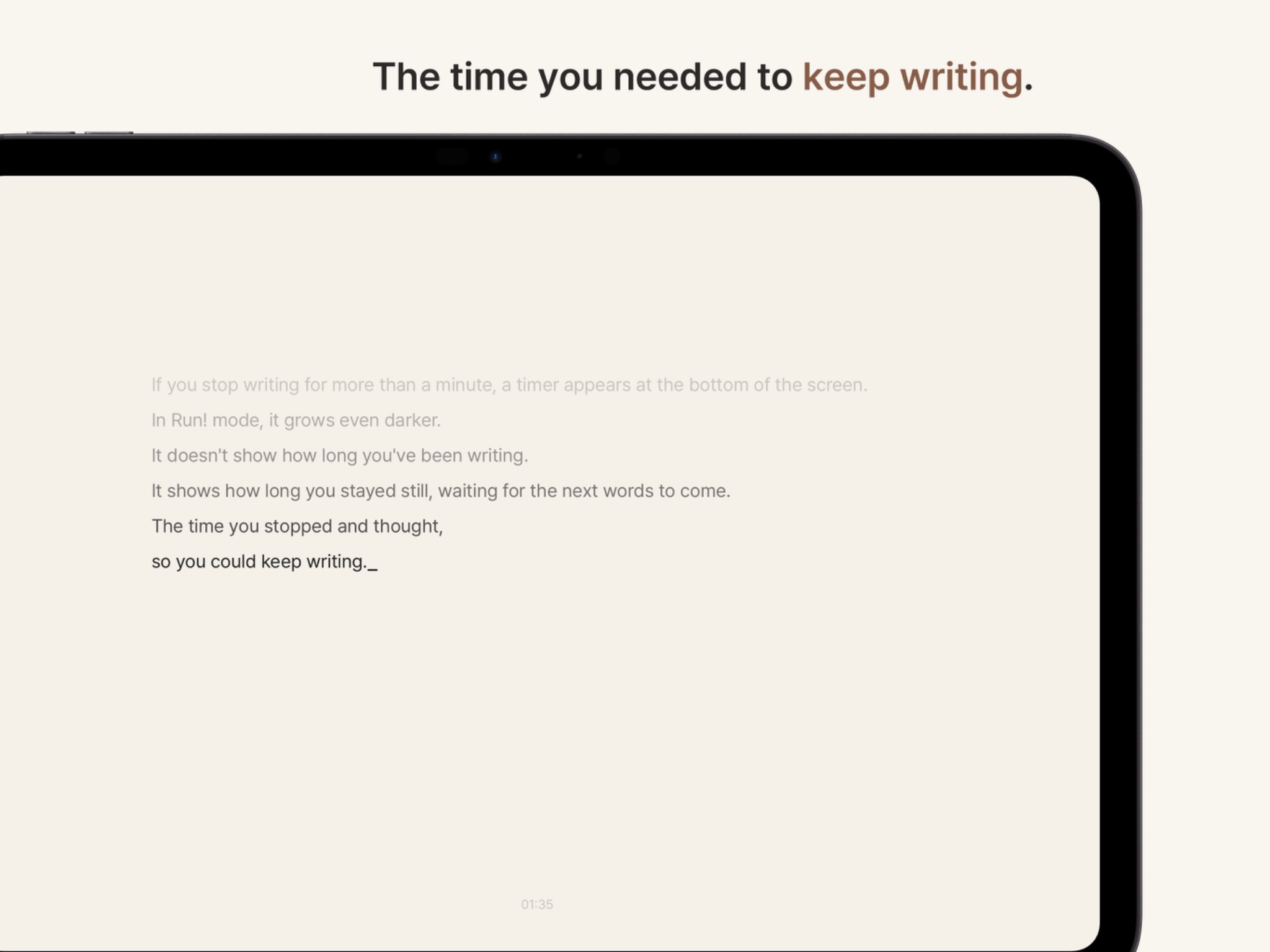
If you don't write for a minute, a timer appears at the bottom of the screen.

It doesn't show how long you've been writing. It shows how long you've been stopped.

The time you spent waiting for the next sentence to show up…

But that time might be exactly what let the next sentence arrive, right?

draftwriter Run+ iPad stopped-time screen
SETTINGS

There are a few options, I guess.

You can change the language, adjust the size of the writing area, and use dark mode…

That's all.

I think that's enough.

draftwriter Run+

That's the whole idea.

A small first-draft tool for paying more attention to the sentence that comes next than the ones already written.

Give it a try on Mac, iPad, or iPhone.

$3.99 One-time purchase · No subscription · No ads Mac · iPad · iPhone